Amazon Bulk Liquidations Explained: Channels, Grades, and Manifests
Amazon liquidation inventory reaches resellers through several different channels, each with a different manifest and a different risk profile.
 Marketplace Guides
The short answer
An honest look at Amazon Liquidation: what the inventory really is, quality, fees, pros and cons, and how to export a manifest and analyze it in 60 seconds.
What Amazon Liquidation actually is
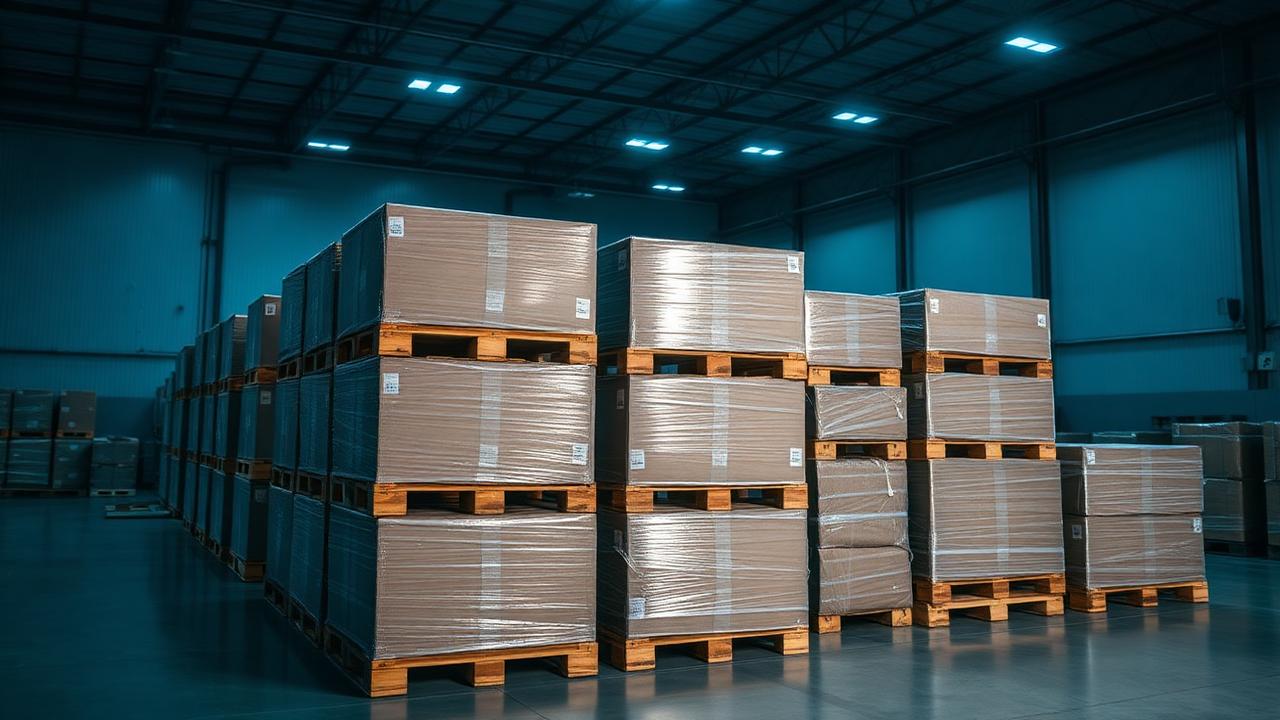
Amazon does not run a single public pallet store. Its liquidation inventory flows out through Amazon Liquidation Auctions (a B-Stock-powered marketplace), FBA Liquidations for third-party sellers, and downstream wholesalers who buy loads and re-break them into pallets.
Quality: what shows up on the pallet
Amazon customer-return loads are the highest-variance inventory in the industry: an LPN-labeled returns pallet can hold a $600 item next to an empty box. Grades like "Used - Like New" reflect Amazon's own triage; "Mixed" or "Unprocessed" means nobody has looked yet.
Pros
- Enormous SKU diversity, including high-ticket electronics and tools
- LPN labels make per-unit tracking and receiving realistic
- Manifests from the official auction channel are typically SKU-level with ASIN and retail
- Sell-through data is easy to research because everything has an ASIN
Cons
- Highest condition variance of any source, missing parts and empty boxes are normal
- Restricted and gated brands limit where you can resell
- Approval requirements for the official auction marketplace
- Downstream wholesalers often re-pick loads before you see them
Fees and total landed cost
The official auction channel charges a buyer's premium plus buyer-arranged freight. Downstream wholesalers price per pallet with fees embedded. Factor in a real defect allowance, modeling Amazon returns at 100% functional is how buyers lose money.
How to get the manifest from Amazon Liquidation into PalletIQ
- On Amazon Liquidation Auctions, open the lot while signed in and download the manifest (XLSX or CSV) from the lot detail panel.
- Keep the ASIN column, PalletIQ uses identifiers to research current market pricing rather than trusting stale retail values.
- Upload to PalletIQ Analyze.
- Set a realistic functional-rate expectation for returns loads, then read the Max Bid as a landed ceiling including freight and premium.
Pro tip
For any Amazon returns load, back out a defect allowance before you bid. PalletIQ grades the manifest as written; your job is to tell it the truth about how much of a returns pallet actually sells at full price.
Bid with numbers, not vibes
Whatever you buy on Amazon Liquidation, the decision is the same: does the modeled resale value of this manifest clear your landed cost with a margin you would accept twice? Upload the manifest to PalletIQ and you get a grade, a confidence score, a category profit breakdown, and a hard Max Bid in under a minute. See the full marketplace comparison for how this site stacks up against the rest.